
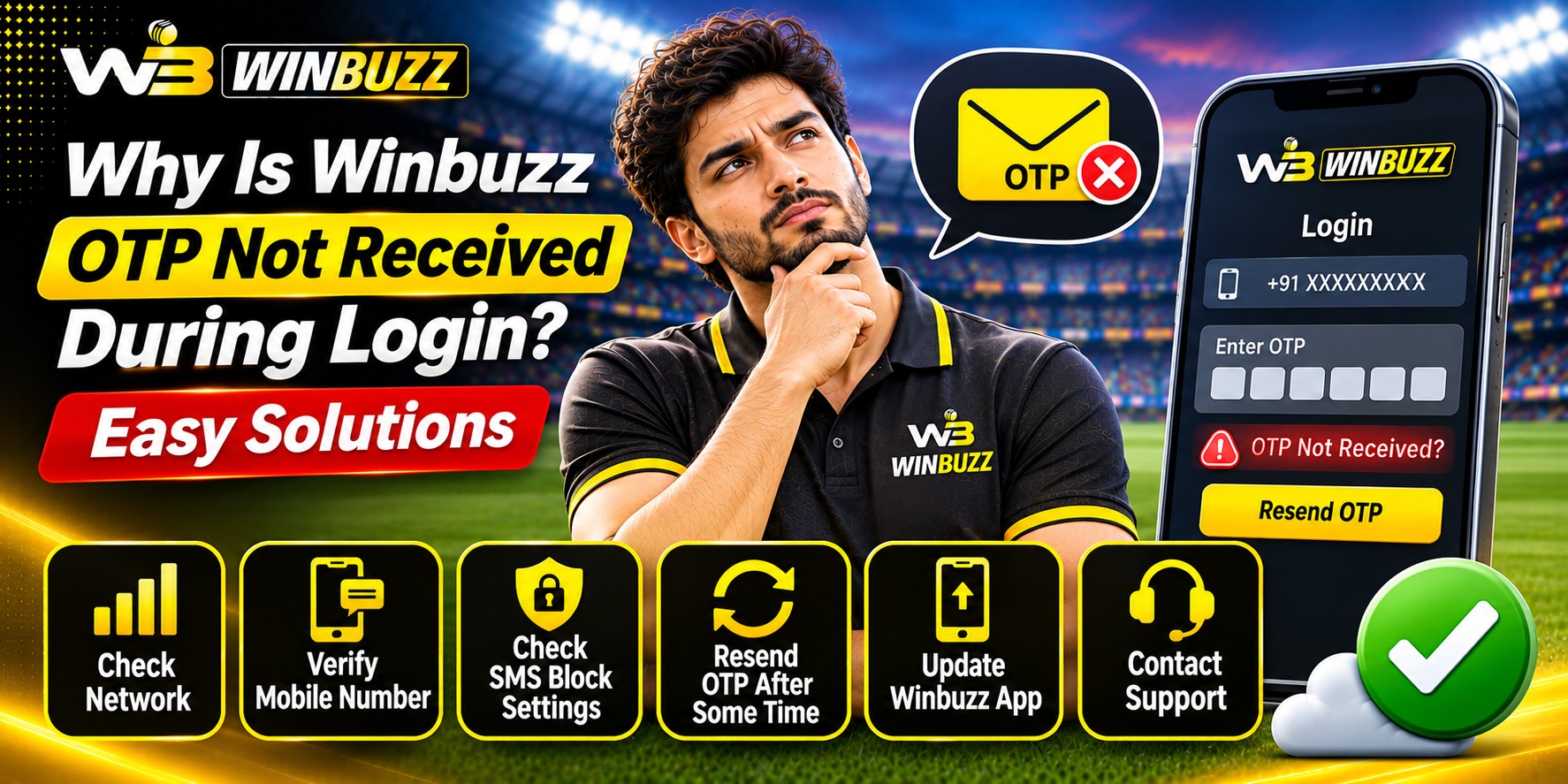
 Why Is Winbuzz OTP Not Received During Login? Easy Solutions
 2026-11-20
Introduction
OTP verification helps protect online accounts by confirming a user's identity during registration or login. Sometimes, verification messages arrive late or fail to appear because of network problems, device settings, or incorrect contact details. Winbuzz users experiencing these issues can follow simple troubleshooting steps to restore account access. Understanding the possible causes helps prevent unnecessary verification attempts and supports secure account management.
Why Is Your Winbuzz Login OTP Not Received?
Several technical factors can affect OTP delivery. Identifying the cause is the first step toward resolving the problem.
Common reasons include:
- Weak mobile network: Poor signal strength can delay incoming SMS messages.
- Incorrect registered number: Outdated contact information may prevent successful delivery.
- SMS filtering: Some devices automatically filter messages from unknown senders.
- Email delivery issues: Verification emails may appear in spam or junk folders.
- Multiple OTP requests: Repeated requests may trigger temporary security restrictions.
- Service interruptions: Messaging providers may occasionally experience delivery delays.
These situations can affect both mobile and desktop account verification.
How to Fix OTP Not Received During Login
Follow these practical troubleshooting methods to resolve common Winbuzz Login verification issues.
Step 1: Check Your Internet and Mobile Network
Ensure your device has a stable connection. If you expect an SMS, check cellular signal strength. Switch airplane mode on and off to refresh the network connection.
Step 2: Verify Your Registered Contact Details
Confirm that your mobile number or email address matches the information registered with your account. If the details are outdated, contact the appropriate support channel.
Step 3: Check SMS and Email Folders
Open your messaging application and inspect filtered conversations. Email users should also review spam and promotions folders.
Step 4: Request a Fresh OTP
Use the resend option when available. Follow the displayed waiting period and enter the newest verification code.
Step 5: Restart Your Device
Restarting your smartphone may resolve temporary messaging or connectivity issues. After restarting, attempt verification again.
Common OTP Errors and Their Solutions
| OTP problem | Possible cause | Recommended solution |
| OTP not received | Network delay | Refresh mobile connection |
| OTP expired | Code validity ended | Request a new code |
| Invalid OTP | Incorrect or older code | Enter the latest OTP |
| Email OTP missing | Spam filtering | Check junk folder |
| Too many requests | Security restriction | Wait before retrying |
These solutions address common verification problems, although exact recovery options may differ between platforms.
How to Keep Your Account Verification Secure
Account security remains important when accessing online sports services.
Users searching for Winbuzz com information should verify website addresses carefully before entering personal credentials.
Follow these essential practices:
- Never share OTP codes with anyone.
- Create a unique account password.
- Avoid suspicious login links.
- Keep browsers and devices updated.
- Use trusted networks for account access.
These precautions help reduce unauthorized access risks.
Read More: Winbuzz Cricket Betting Strategies for Smarter Decisions and Sensible Limits
When Should You Contact Customer Support?
If verification continues to fail, contact support using details published on the website.
The platform describes several account-assistance channels, but users should confirm their current availability.
When reporting an issue, provide your username, error description, and approximate verification time.
Never provide passwords or active OTP codes to support representatives.
Conclusion
OTP verification problems commonly result from connectivity issues, incorrect contact information, or temporary delivery restrictions. By checking network settings, reviewing registered details, and requesting fresh codes, users can troubleshoot many common access difficulties.
Whether using mobile services or researching Winbuzz com account features, secure verification practices help maintain safer account access.
FAQs
1. Why is my OTP not arriving?
Network delays, incorrect contact details, or message filtering may prevent OTP delivery.
2. How can I request another OTP?
Select the resend option when available and follow the displayed instructions.
3. What happens when an OTP expires?
The expired code becomes invalid. Request a fresh verification code.
4. Can I receive an OTP through email?
Email verification may be supported depending on your registered details and the available verification method.
5. What should I do if verification repeatedly fails?
Check your registered information and contact the platform's published support channel for assistance.