
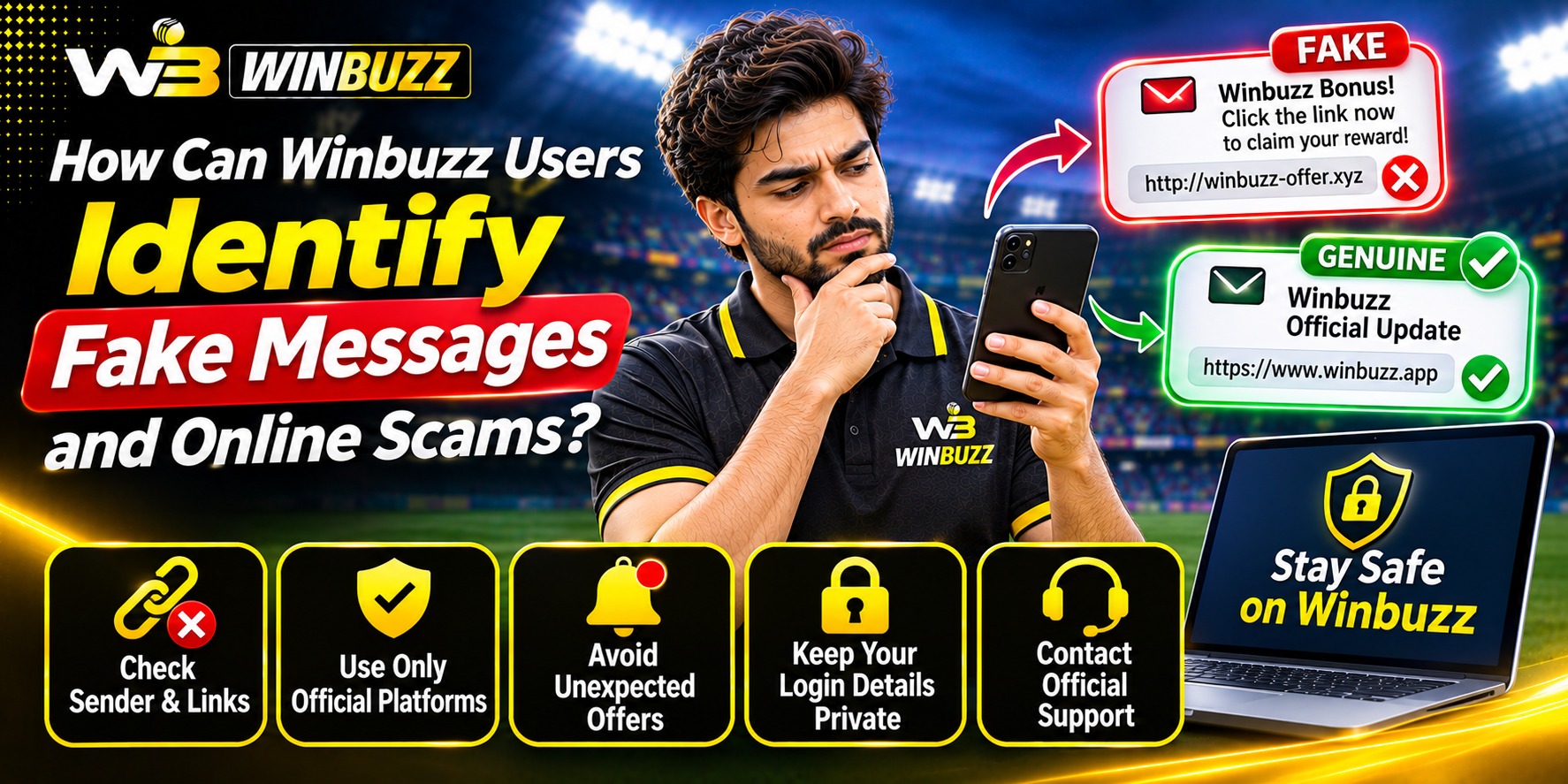
 How Can Winbuzz Users Identify Fake Messages and Online Scams?
 2026-11-24
Introduction
Online fraud has become an important concern for users accessing digital sports platforms. People exploring Winbuzz should understand how to recognize suspicious messages, misleading offers and unauthorized requests for personal information. Developing strong digital awareness helps users protect confidential details, identify potential scams and make informed decisions when communicating through online channels.
What Are Fake Messages and Online Scams?
Fake messages are fraudulent communications designed to collect personal information, financial details or confidential account credentials. Scammers often impersonate familiar brands or customer support representatives to gain users' trust.
These messages may arrive through WhatsApp, Telegram, email, SMS or social media platforms. Professional designs and familiar logos do not necessarily confirm authenticity.
6 Ways to Identify Suspicious Messages and Online Scams
1. Check the Sender's Contact Information
Fraudulent representatives frequently use unknown mobile numbers, misleading email addresses or copied profile pictures.
Always examine the sender's information carefully and independently verify their identity before responding to account-related requests.
2. Avoid Clicking Unknown Website Links
Suspicious messages may contain links directing users to imitation Winbuzz Login pages designed to collect confidential information.
Look for these common warning signs:
- Misspelled website addresses.
- Unfamiliar shortened URLs.
- Unexpected website redirects.
- Browser security warnings.
- Unknown application download links.
Avoid opening links when their destination cannot be independently verified.
3. Recognize Unrealistic Promotional Claims
Fraudulent messages often contain exaggerated rewards, guaranteed returns or exclusive offers with unrealistic conditions.
Users should carefully evaluate promotional information and avoid making decisions under pressure. Transparent service information should explain relevant conditions without misleading promises.
4. Never Share Confidential Verification Codes
Scammers may request OTPs, passwords or banking information while pretending to provide technical assistance.
Verification codes are confidential security credentials. Sharing them with another person can expose personal accounts and financial information to unauthorized access.
5. Identify Urgent Payment Requests
Fraudulent representatives frequently create artificial urgency to prevent users from checking information independently.
Messages demanding immediate payments, additional verification charges or unexpected processing fees should be treated cautiously. Never transfer money solely based on an unsolicited message.
6. Check Application Download Sources
Unknown application files may contain harmful software designed to collect sensitive device information.
Users exploring Winbuzz should avoid downloading modified applications or APK files from unfamiliar messaging groups. Reviewing developer information and requested permissions helps identify potential security concerns.
Genuine Communication vs Suspicious Messages
| Communication Factor | Positive Indicator | Suspicious Indicator |
| Sender information | Verifiable contact details | Unknown contact number |
| Website links | Verified destination | Misspelled domain |
| Personal information | Respects confidentiality | Requests passwords or OTPs |
| Promotional claims | Clearly explained terms | Guaranteed financial returns |
| Payment requests | Transparent information | Urgent payment demands |
| Application files | Identifiable developer | Unknown APK files |
What Should You Do After Receiving a Suspicious Message?
Taking appropriate action can help prevent further security risks and protect confidential information.
Follow these essential safety measures:
- Avoid replying to the suspicious sender.
- Do not open attached files or unfamiliar links.
- Save screenshots as evidence.
- Block and report the suspicious contact.
- Review your account security settings.
- Report suspected financial fraud to the appropriate authorities.
If you receive an unexpected Winbuzz Login verification message, never disclose your credentials or verification codes to the sender.
How to Improve Your Everyday Digital Security
Strong digital security habits provide additional protection against fraudulent communications. Keep your smartphone software updated, enable available two-factor authentication and regularly review application permissions.
Avoid sharing sensitive information through public messaging groups. Users should also understand applicable legal requirements and review platform policies before providing personal or financial details.
Read More : How to Use Winbuzz for New Sports Market Opportunities in 2027
Conclusion
Recognizing fake messages and online scams requires careful attention to communication details, website addresses and personal information requests. Winbuzz users can improve digital awareness by identifying suspicious claims, avoiding unknown downloads and protecting confidential credentials. Consistent security practices support better personal information protection.
FAQs
1. How can I identify a fake support message?
Check the sender's identity, website links and requests for confidential information.
2. Should I share my OTP with customer support?
No. Verification codes should always remain confidential.
3. Are messages offering guaranteed rewards genuine?
Guaranteed financial returns and unrealistic rewards are common warning signs of potential fraud.
4. Can unknown APK files contain harmful software?
Yes. Unverified application files may contain malware or unauthorized tracking features.
5. Where can Indian users report online financial fraud?
Users can contact the national cybercrime helpline 1930 or visit the National Cyber Crime Reporting Portal.