
 Winbuzz Deposit Successful but Balance Not Updated? What to Do Next
 2026-10-15
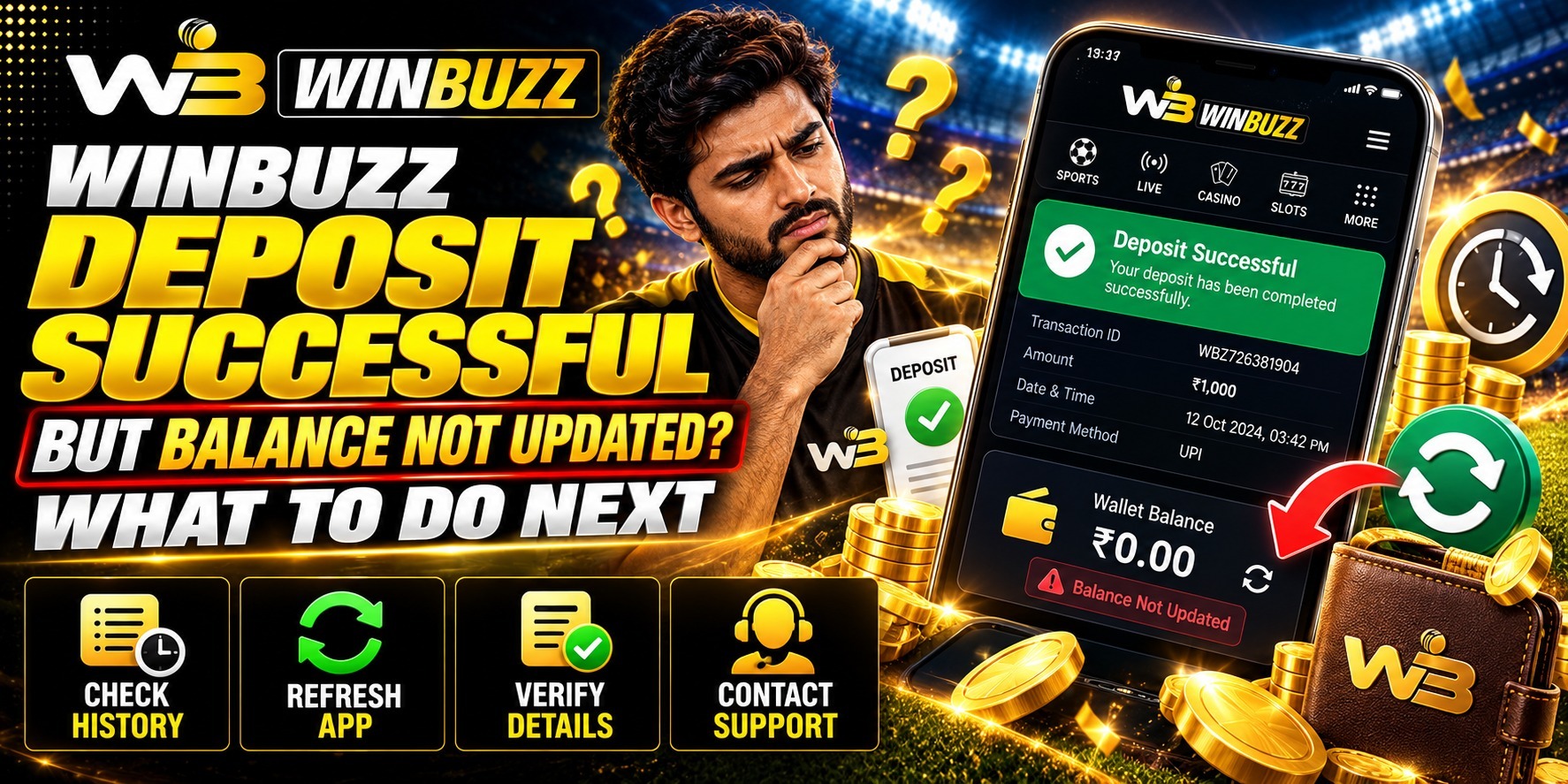
Your payment finishes, but the account balance remains unchanged. Should you wait, refresh or report it? If a winbuzz deposit appears successful but remains missing, avoid sending another payment immediately. After winbuzz login, compare the account's deposit record with the payment receipt.
We recommend tracing that specific transaction before trying anything else. Records clarify the next step.
Read the Transaction Details Behind the Success Message
Open the payment application's transaction details and confirm the amount, recipient, reference number, date and time. Check the bank record alongside the notification.
A successful payment status and a credited platform balance describe different records. The recipient may have received the payment while the account still needs it matched or reviewed.
If the payment remains pending, follow the provider's processing guidance. First establish which status actually applies.
Check the Account Without Making Another Payment
Confirm that you are viewing the intended account, then review its deposit history if available. Check whether the entry is missing, pending, rejected or credited.
Check your connection and reload the balance page. Compare the same account on another supported device. This can help identify a display difference, but refreshing cannot complete a payment investigation.
Published terms list delayed payment confirmation, incomplete verification, incorrect information and technical problems among possible causes. Your records help support identify the relevant one.
Send Support a Payment Trail They Can Investigate
Contact winbuzz through the support route published on the website you normally use. After winbuzz login, check whether there is an account support option rather than trusting a number from an unsolicited message.
Include your account identifier, payment method, amount, timestamp and transaction reference. Describe the deposit status and mismatch.
An illustrative report might say ₹850 was debited at 7.18 pm, the payment receipt shows success, but no matching deposit appears. This gives support something specific to trace.
Ask for the Next Action When Records Disagree
If the platform confirms a missing credit, ask whether it needs payment confirmation, account verification or another document. Request a case reference and update timeframe.
If the payment provider marks the transaction successful but the recipient disputes receipt, contact your bank or payment provider about its formal investigation process. For UPI, use the transaction's help route where available.
Timelines vary by payment method and situation. Follow the applicable guidance and ask for clarification when a stated timeframe passes.
Keep Help Convenient Without Exposing Private Details
A useful customer experience should explain what is being checked and what you need to provide. We encourage questions, especially when a reply simply says to wait.
Keep passwords, OTPs, UPI PINs and banking credentials private. Share necessary payment evidence only through a verified support channel.
Do not authorise an unexpected payment request presented as a way to release the missing credit. Protecting the original payment matters more than rushing.
Close the Case With Records You Can Reuse
Expect more than a corrected number. Check whether the outcome is an account credit, a bank refund or an investigation still in progress.
Keep receipts and the support response together until the outcome appears in the relevant account. This works across payment methods and simplifies future enquiries.
Pause further deposits while the payment is unresolved. A missing credit should not push you beyond your planned spending.
Read More : What Is Back and Lay Betting on Winbuzz? A Beginner’s Guide
Conclusion
For a missing winbuzz deposit, follow the reference from the payment receipt to the account history and support case. Use winbuzz login to check the account status, then compare it with the confirmed outcome. We invite you to keep the evidence ready and seek a clear explanation before paying again.
FAQs
Should I deposit again to update the balance?
Avoid repeating an unresolved payment. Trace the original transaction first.
Can refreshing the page fix the payment?
It may update the display. It cannot resolve an underlying payment issue.
Does a receipt guarantee wallet credit?
It records the payment status. Credit may require matching or review.
What if support says the payment was not received?
Ask your payment provider about investigating it. Keep the recipient details and reference available.
When is the issue resolved?
Confirm the credit or refund in your account. A support acknowledgement alone is insufficient.