
 Wi-Fi vs Mobile Data: What Should Users Consider?
 2026-09-03
Introduction
Internet connectivity plays an important role when accessing websites and online services from a smartphone. Wi-Fi and mobile data can both provide reliable access, but their performance may differ depending on location, network conditions, and device settings. For users accessing Winbuzz, understanding these differences can help them choose the connection that is more suitable for browsing and general online activity.
What Makes Wi-Fi Different From Mobile Data?
Wi-Fi usually connects a device to the internet through a wireless router or hotspot. Mobile data, on the other hand, uses a cellular network provided by a telecom operator.
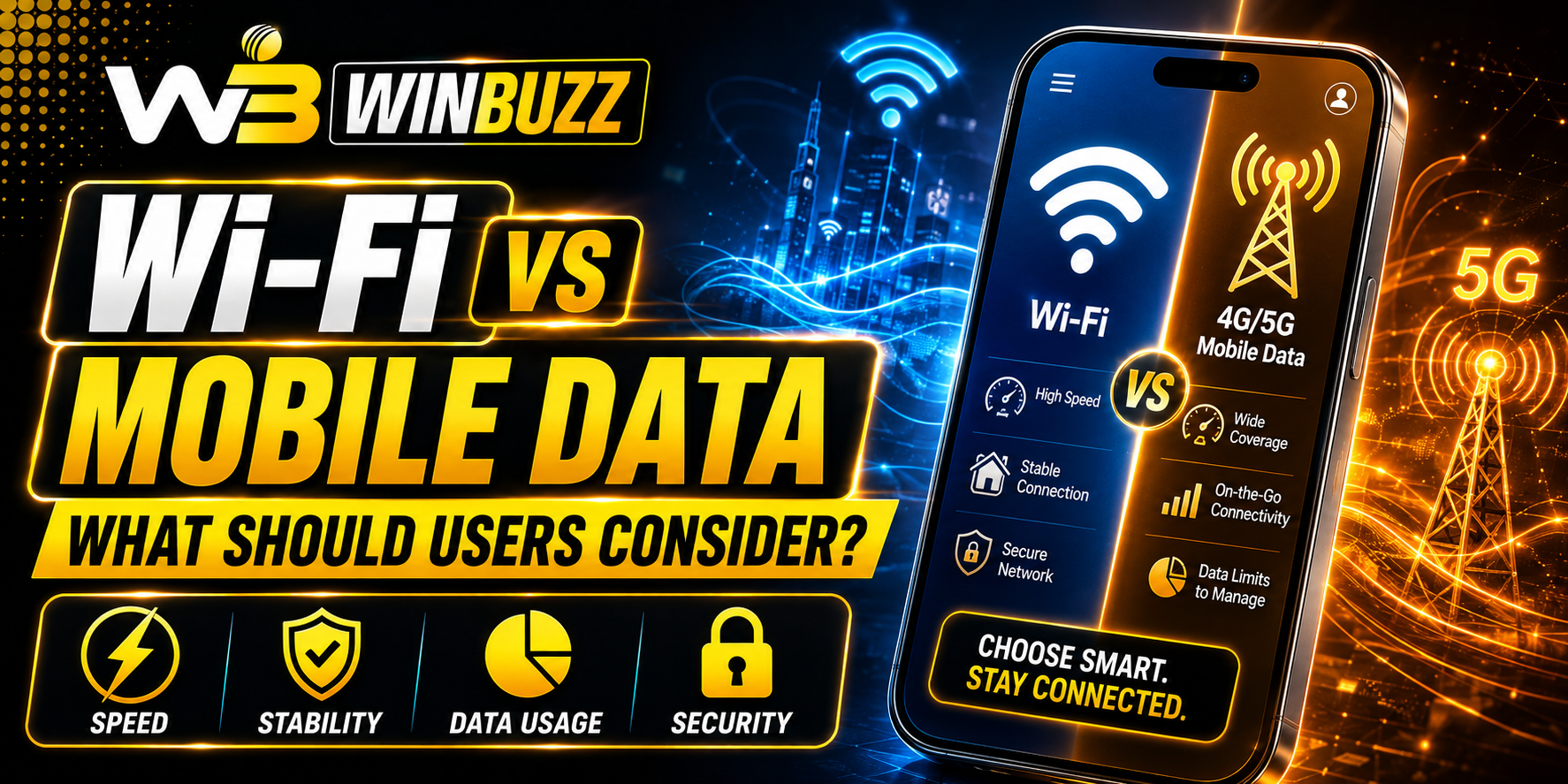
The main differences can include:
- Connection source
- Network coverage
- Speed consistency
- Data limitations
- Security considerations
- Performance in different locations
Neither option is automatically better in every situation. The right choice depends on what the user needs at a particular time.
When Wi-Fi Can Be More Convenient
Wi-Fi can be useful when you are at home, work, college, or another location with a reliable wireless network.
It may be preferable when:
- You need a stable connection for an extended period.
- You are downloading larger files or updates.
- Your mobile data allowance is limited.
- Several devices need internet access.
- You are in an area with strong Wi-Fi but weak cellular coverage.
A reliable router placed close to the device can generally provide a more consistent experience than a weak wireless signal.
When Mobile Data May Be More Practical
Mobile data offers flexibility because it does not require access to a specific Wi-Fi network. Users can connect while travelling, commuting, or spending time in places without public or private Wi-Fi.
Mobile data can be useful when:
- No trusted Wi-Fi network is available.
- You need internet access while travelling.
- The available Wi-Fi connection is slow.
- You need a temporary connection.
- Your mobile network has stronger coverage than nearby Wi-Fi.
However, users should keep an eye on their data allowance, particularly when streaming videos or downloading large files.
Security Is Worth Considering
Security is another important difference between connection types. Public Wi-Fi networks can sometimes present additional risks because users may not know who operates the network or how it is configured.
When using unfamiliar networks, users should:
- Avoid entering sensitive information on suspicious websites.
- Check that the website address is correct.
- Keep the operating system and browser updated.
- Avoid connecting automatically to unknown Wi-Fi networks.
- Use strong, unique passwords for important accounts.
Mobile data can be a convenient alternative when a public Wi-Fi network cannot be trusted.
Speed Is Not the Only Factor
A fast connection does not necessarily provide the best overall experience. Latency, signal strength, network congestion, router performance, and device hardware can all affect how smoothly a website works.
For example, a strong Wi-Fi connection may perform better at home, while mobile data may be more dependable when travelling. Users should therefore consider stability rather than focusing only on advertised download speeds.
What Should Users Check Before Logging In?
Before using an online account, connection quality and basic security should both be considered. Users accessing their Winbuzz login should make sure they are using the correct website address and a trusted connection.
It is also sensible to avoid saving passwords on shared devices and to keep account credentials private. If a connection suddenly becomes unstable, users should avoid repeatedly refreshing pages or submitting the same request until they know whether the original action was completed.
How to Choose Between Wi-Fi and Mobile Data
A simple comparison can make the decision easier:
- At home: Reliable private Wi-Fi is often convenient.
- While travelling: Mobile data may provide greater flexibility.
- On public networks: Consider security before connecting.
- With limited mobile data: Wi-Fi can help reduce cellular usage.
- With weak Wi-Fi: Mobile data may provide a better alternative.
The best choice can change depending on location, network quality, and the task being performed.
Conclusion
Wi-Fi and mobile data both have useful advantages, and choosing between them depends on the situation. Wi-Fi can be convenient for stable, long-duration connectivity, while mobile data provides flexibility when users are away from trusted networks. Along with speed, users should consider reliability, data limits, security, and signal strength when selecting a connection.
FAQs
1. Is Wi-Fi always faster than mobile data?
No. Speed depends on the internet plan, router, network congestion, signal strength, and mobile network technology. A strong mobile connection can sometimes outperform weak Wi-Fi.
2. Is mobile data safer than public Wi-Fi?
Mobile data can reduce some risks associated with unknown public Wi-Fi networks, but users should still follow basic security practices and use trusted websites.
3. Which connection is better for travelling?
Mobile data is generally more flexible because it does not require access to a specific Wi-Fi network. However, performance depends on cellular coverage.
4. Can Wi-Fi use affect mobile data usage?
When a device is properly connected to Wi-Fi, most internet activity uses the Wi-Fi connection rather than mobile data. Device settings can vary, so users should check their network preferences.
5. What should I check before logging into an online account?
Check the website address, use a trusted connection where possible, keep your browser updated, and never share passwords, OTPs, or other authentication details.