
 How to Create a Winbuzz Account: Quick Steps for New Users
 2026-08-20
Introduction
Creating an online account is usually the first step for users who want to explore a sports and gaming platform. For beginners, understanding the registration process can make account setup simpler and help avoid common mistakes. Winbuzz provides an online environment where users can access available sports-related information, gaming sections, and account management features. Before registering, users should confirm that they are visiting the correct website and review the current terms and requirements.
What to Check Before Registration
Before starting the account creation process, take a few moments to prepare the information that may be requested during registration. Requirements can vary depending on the platform and current policies.
Consider checking:
- A stable internet connection
- An active mobile number or email address, if required
- A strong password
- The correct website address
- Current account and usage terms
- Any applicable age or eligibility requirements
Using accurate information can also make future account recovery and verification easier.
How to Create a Winbuzz Account
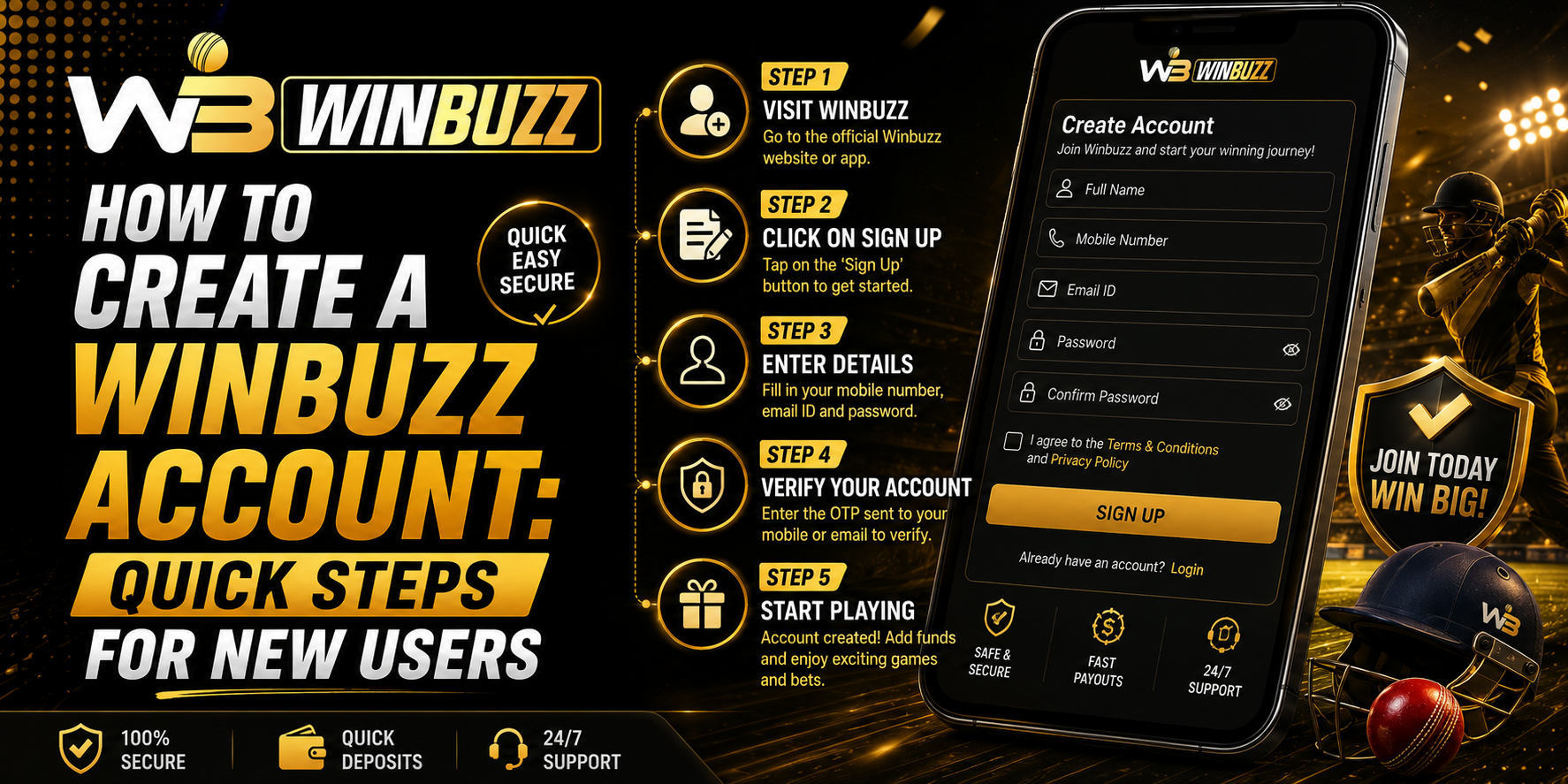
The registration process is generally straightforward. However, page names and fields may change as the website interface is updated.
Step 1: Open the Official Website
Start by entering the correct website address directly into your browser. Avoid unfamiliar links received through random messages, social media posts, or unofficial websites.
Step 2: Find the Registration Option
Look for a button such as “Register,” “Sign Up,” or “Create Account.” It is normally positioned prominently on the homepage.
Step 3: Enter Your Information
Complete the registration form using the requested details. Depending on the current registration requirements, this may include a mobile number, email address, username, or other basic information.
Always check your entries before continuing.
Step 4: Create a Strong Password
Choose a password that is difficult for others to guess. Avoid using simple combinations such as your name, birthday, or repeated numbers.
A good password should:
- Be unique to the account
- Use a combination of letters and numbers
- Avoid easily predictable personal information
- Never be shared with other people
Step 5: Complete Verification
If the registration process includes mobile, email, or other verification, follow the instructions shown on the official website. Never share verification codes with another person.
Step 6: Review the Details and Submit
Before submitting the form, carefully review the information you entered. Confirm that the details are accurate and that you understand the relevant terms before completing registration.
What to Do After Registration
Once the account has been created, users should take a few basic security steps before exploring the platform.
- Store login details securely.
- Enable additional security options when available.
- Avoid saving passwords on shared devices.
- Check account information for accuracy.
- Learn where support and recovery options are located.
Keeping these habits from the beginning can make account management easier.
Understanding Winbuzz Login
After registration, returning users can use the platform's login area to access their account. If Winbuzz login does not work, first check the entered username or password and make sure the website address is correct.
If the problem continues, use the official password recovery or customer-support options rather than repeatedly entering incorrect credentials. This can help prevent unnecessary account access issues.
Common Registration Mistakes to Avoid
New users sometimes make simple errors during registration. These can usually be avoided with a few checks.
- Entering incorrect contact information
- Creating a weak or reused password
- Using an unofficial website link
- Sharing account credentials
- Ignoring the platform's terms
- Entering inaccurate personal information
Taking a few extra minutes during registration can prevent avoidable problems later.
Responsible Account Management
Creating an account does not mean users need to use every available feature. Users should understand how different services work and make decisions within their personal limits. Where betting or gaming features are available, outcomes are uncertain, and losses are possible.
Setting personal limits and avoiding impulsive decisions are important parts of responsible online activity.
Conclusion
Setting up an online account can be a simple process when users follow the correct steps and pay attention to security. Beginners should verify the official website, provide accurate information, create a strong password, complete any required verification, and understand the platform's current terms. Good account-management habits from the beginning can provide a safer and more organised experience.
FAQs
1. What information may be required when creating an account?
The required information can vary, but registration may request basic contact or account details. Always follow the current official registration form.
2. Should I use the same password on multiple websites?
No. Using a unique password for each important account is a safer practice.
3. What should I do if I forget my password?
Use the official password recovery option provided on the website rather than using third-party recovery services.
4. Why should I verify the website before registering?
Checking the website address helps reduce the risk of entering personal information on an imitation or fraudulent website.
5. Can I share my account password with someone I trust?
It is better not to share passwords or verification codes with anyone. Keeping credentials private helps protect account access.